
Video and Animation
Video
Brand video
Video is a powerful marketing tool. It enables us to engage and inform our various audiences whilst encouraging an emotional response and instilling a sense of pride and enthusiasm for the University. The following guidelines have been prepared to help you maintain a consistent brand identity when producing a variety of compelling video content.
Once you have decided that a video is the best requirement for your needs and have approval to create it from your college or department marketing team, decide whether you will be the one making the video, or if you need to seek assistance in having one made. If the latter, consider whether the type of video you wish to make could be produced by a creator in your college or department or whether you need to approach our internal video production team in Creative Media as a client.
If you are making or producing a video you must adhere to the guidelines below. All videos must be checked against these requirements before they are published. For further guidance, please contact the University Brand Team.
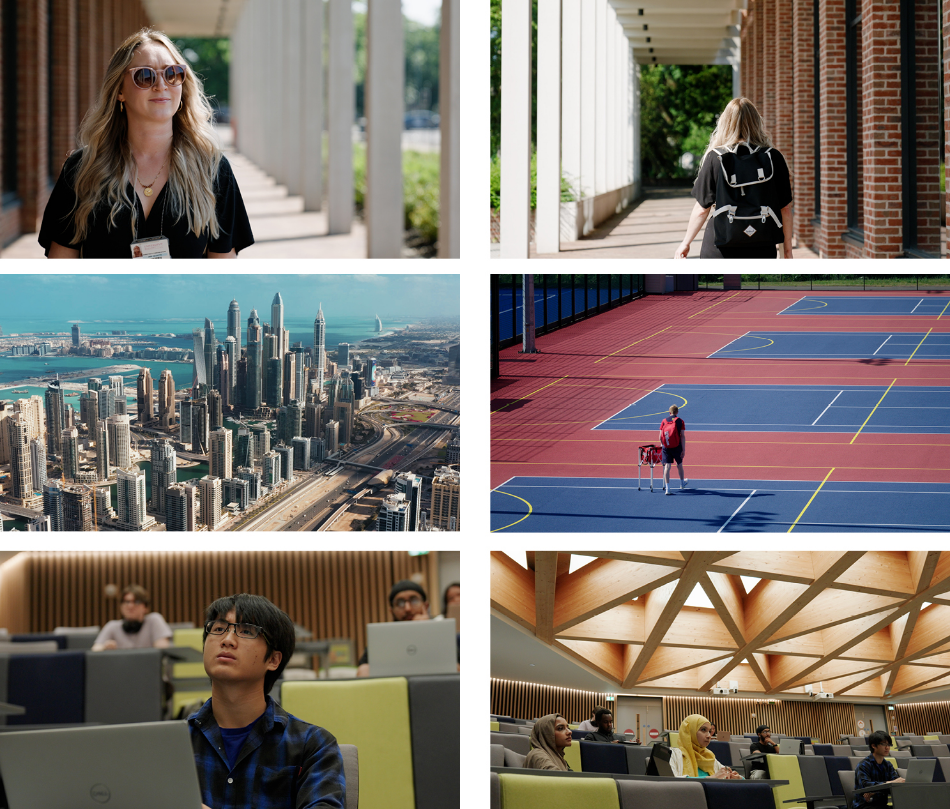
Planning your video
Good planning should be at the heart of every video you produce. Before you even pick up your filming equipment you should establish the key messages and objectives of the video, and whether you have the resource to produce it within your college or department or whether you need to seek Creative Media’s assistance.
This can be achieved by completing a brief and a storyboard. Contact your relevant College / Department or Creative Media for further enquiries. By completing these items before filming you can confirm the following:
- Length of video – It is important to consider what platforms your video will be featured on. Different social media platforms have varying video length restriction, and varying trends of consumption. Consider all of these factors and research the above before filming.
- Variations – Your content may require multiple versions to be used on different social media platforms. Consider if you need to film multiple bits of content to support the story i.e. you may wish to film a more polished video in landscape but do you also need to record a tiktok video in portrait using a phone or tablet to support the content?”
- Timescale – can you realistically achieve your desired results in the time frame given? It is important to consider how long a video can take to produce, film, edit, caption and even export and distribute before filming.
- Budget – will your video require a budget to create it?
- Approvals – will elements of your video require approval from departments and individuals?
- Location scouting – will you need to look at the location of filming before the shoot?
- Ensure your video meets web accessibility guidelines.
Tier system
When creating video content, we must consider the purpose of the video, for example; is it for an external-facing recruitment tool (tier one), or an internal-facing staff update / external-facing online lecture (that needs topped and tailed.)(tier two).
For an example of this, please see brand video below.
Brand video
To help categorise video content we recommend adopting this tiered system, in order to differentiate.
Open all
Tier one
+ -High Production video: A high quality video to be used at a corporate, external facing and strategic level that can sit on a variety of platforms including the website and in advertising. This type of video will generally require an in-depth production planning time. If you require this type of video, approach your college or department marketing team in the first instance. Creative Media also has extensive experience to support this type of video.
Tier two
+ -1. Functional, day-to-day videos – These are shot by more experienced staff and include lectures, events, talking heads. These types of videos would only use the intro, lower-thirds, dividers, and outro lines of intent. Creative Media can also assist with tier two video production.
2. Quick response – This type of video can be used as more ‘reactionary’ content and generally does not require much planning in terms of a storyboard and script. It can vary in length and quality and is predominantly produced for and used on social media such as a Facebook live or Instagram stories. These videos would only use the lines of intent in the intro, lower-thirds, dividers, and outro.
3. Social Media – A high quality video that can be used on the website and on social media requiring a shorter production time than tier one. These videos will generally feature a basic script, include talking heads and cutaways, as well as some graphics. These video would only use the lines of intent in the intro, lower-thirds, dividers, and outro. If you are creating video content for use on Instagram and TikTok, this will need to be recorded in portrait mode. It will not require a high quality production, and can be filmed using a mobile phone or tablet. More information and guidance on capturing and publishing this kind of content can be found on via Sharepoint.”
Tier one
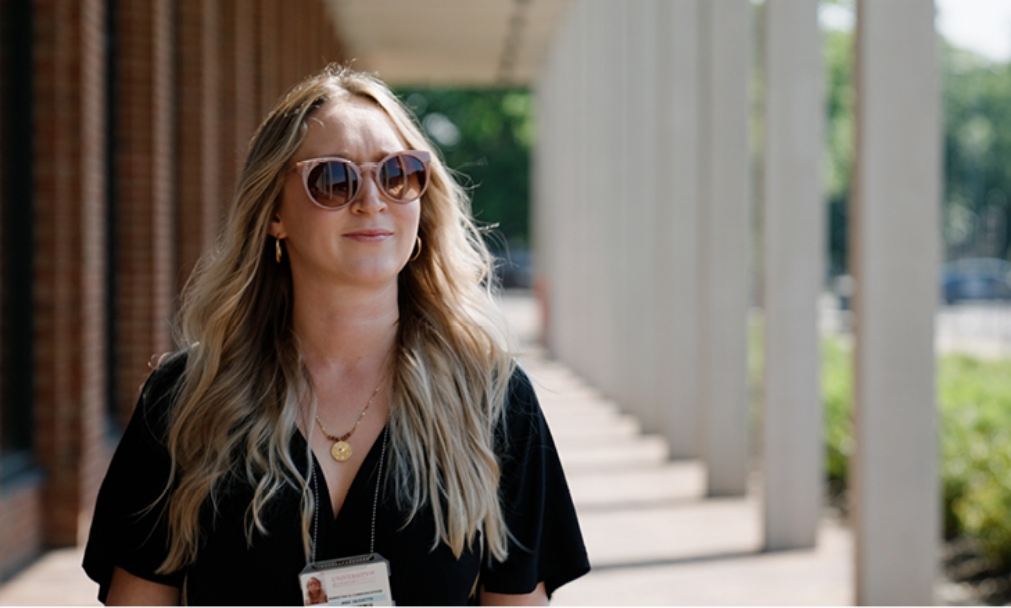
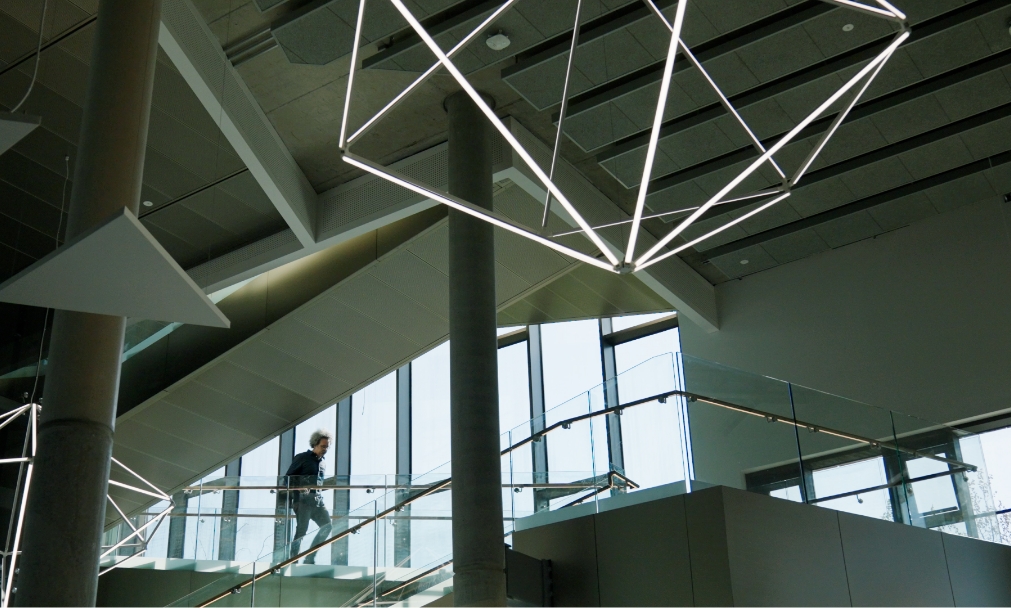
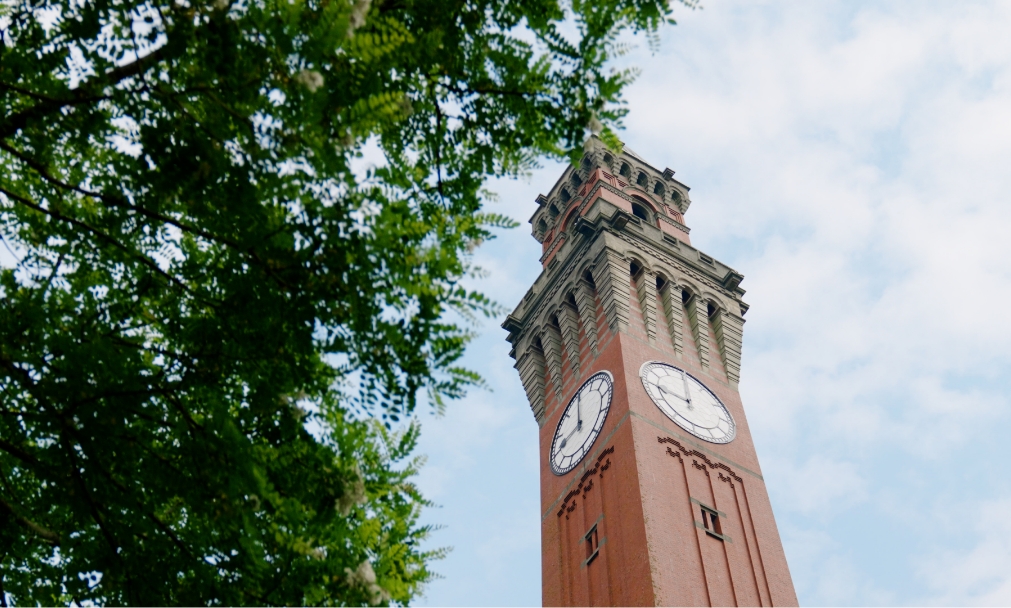
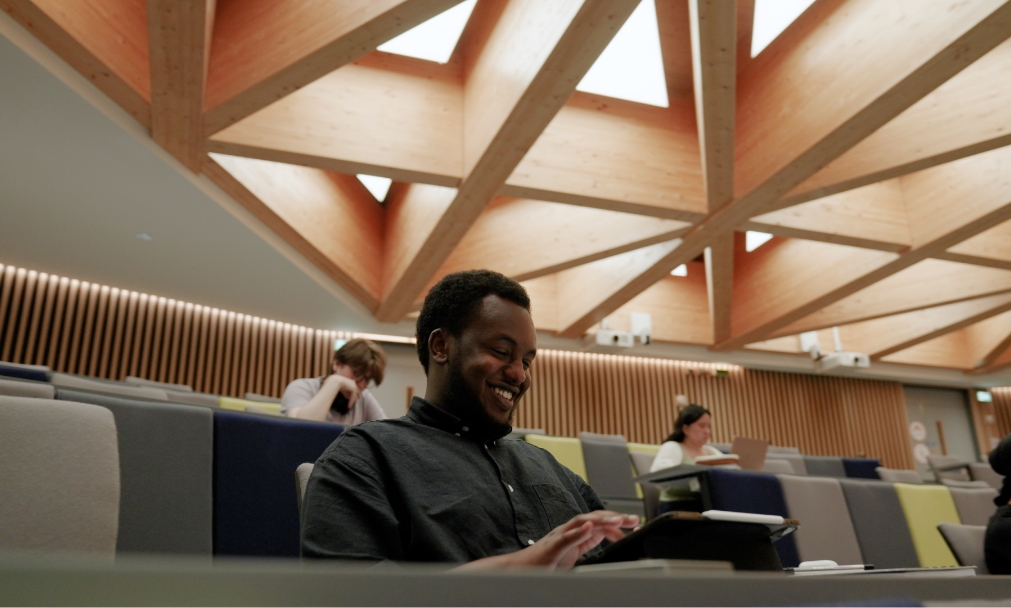
Tier two
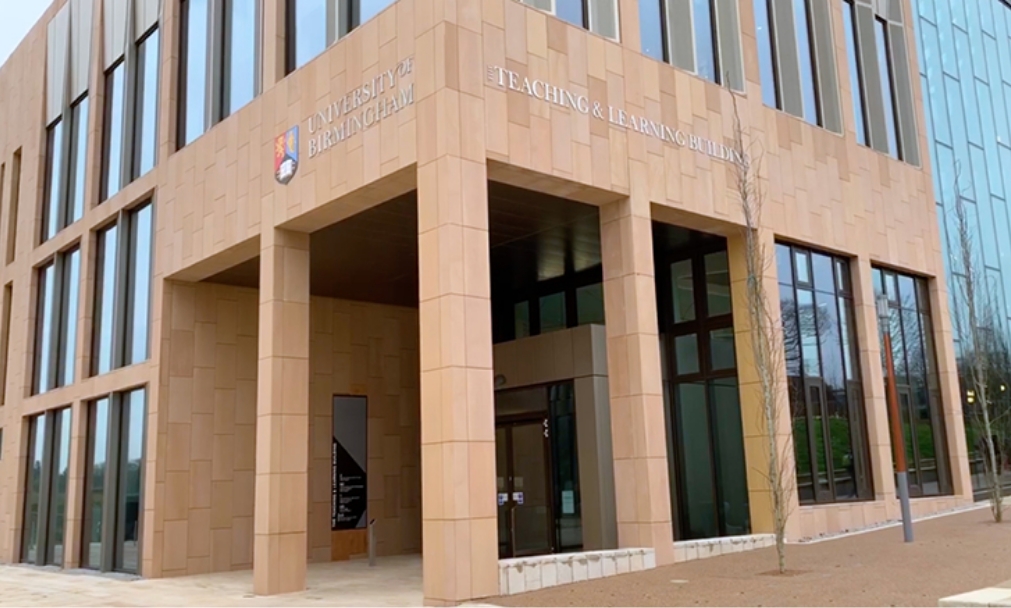
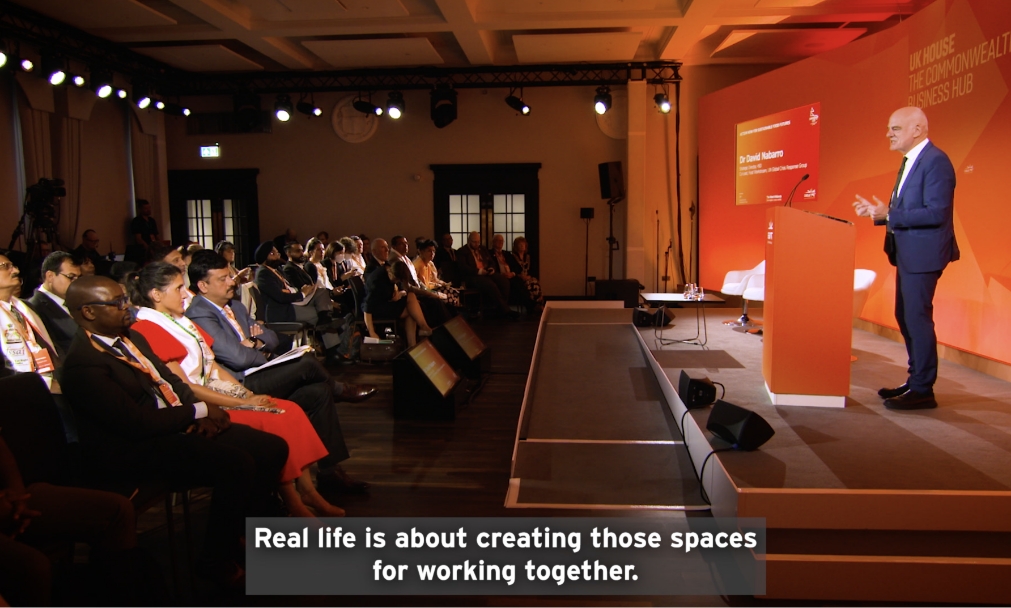
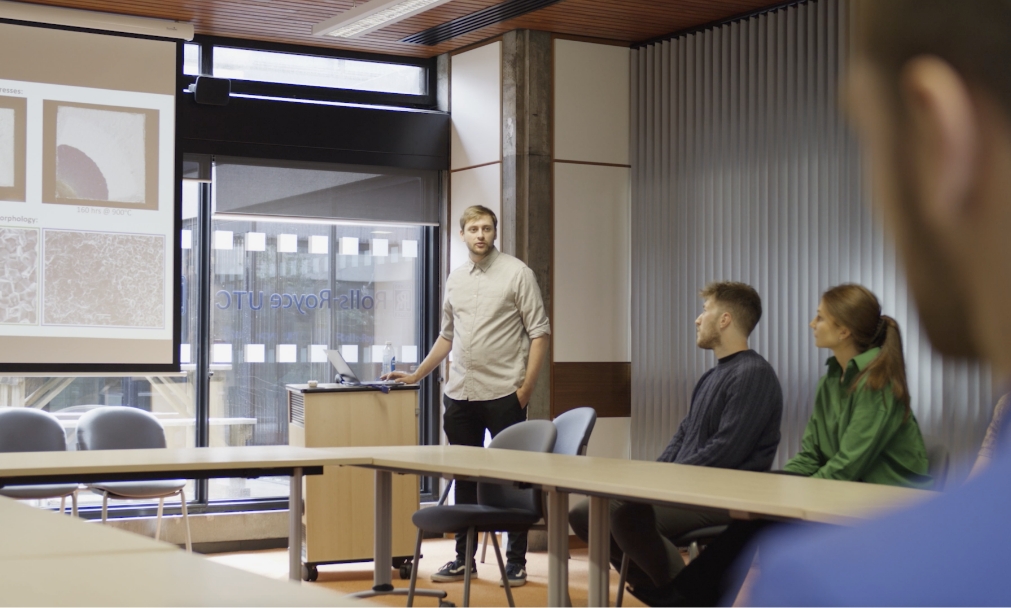
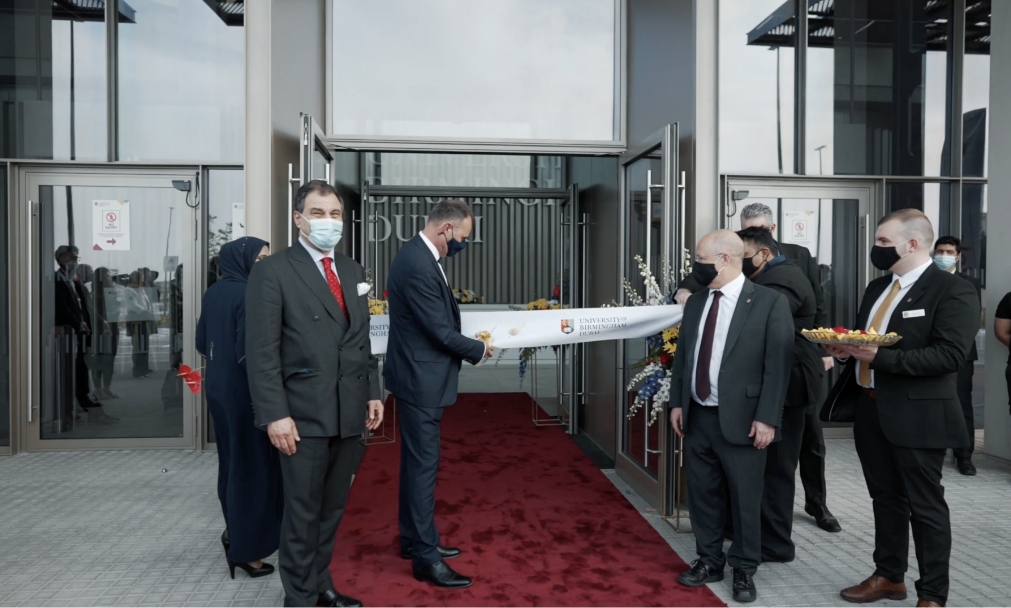
Tier one: cinematographic and editing principles
The cinematography and editing should reflect the characteristics that are inherent to UoB.
The following are video techniques identified as the UoB video style:
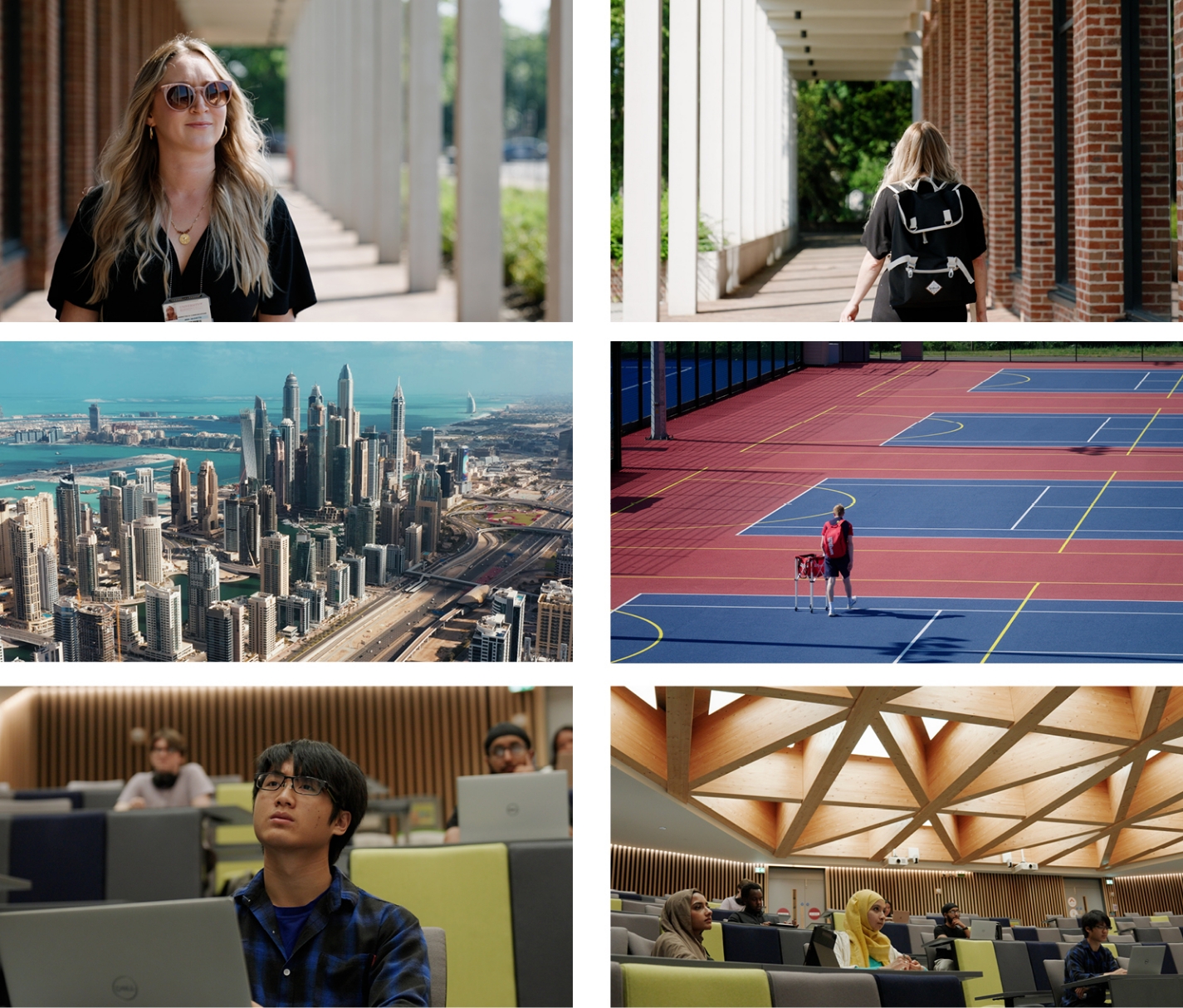
Cinematic realism
Disarming yet understated ‘active’ and functional imagery of factual university people and events without overly ‘staging’ scenes. An interpretation of Birmingham as a practical and unassuming but also proactive and enterprising.
Transitions
Tier one
There are many transitions to choose from, but as a general rule transitions should elevate your video by drawing the viewer through the narrative without drawing attention to itself as a transitional device. However, a transition can elevate the aesthetic of a uniquely crafted film, but whichever technique is employed should be especially considered so as to not date the project or be inconsistent with the creative. If a project requires a cutom transition, make sure to seek the advice of the agency or Creative Media team involved in the project or campaign, as this device would need to work cooperatively with all the deliverables associated with the campaign/project creative. For Tier 2 projects, please see our recommendation below. Seek approval from the University of Birmingham brand team when creating Tier 1 content.
Tier two
In most cases minimalism should be the preferred transitional technique, the more invisible the cut is the more the viewer will remain engaged. We recommend using a hard-cut for Tier 2 projects as this allows for efficient and effective storytelling which doesn’t distract from the narrative. The hard-cut has been the preferred transition for over 100 years and we as viewers have grown up with it, and to be presented with a new transition (such as a swipe or masked-cut) will naturally draw attention to itself and force the viewer to question why it was used – this isn’t inherently bad, but would require especially considered rationale when it is employed – see Tier 1.
‘Lines of intent’ device; For use in tier one.
When footage features our ‘lines of intent,’ it must be composed with camera movement, shot duration, and colour grade in mind. Footage captured that isn’t required to feature the lines can mirror these shots and take inspiration from the surrounding environment; architectural elements, naturally occurring ‘leading lines’ and positional or layered details. Here are some examples of how they can directly and indirectly feature. From the examples below, the lines of intent are a flexible and responsive brand device and can be housed in various ways, but some elements need to be considered prior to implementation.
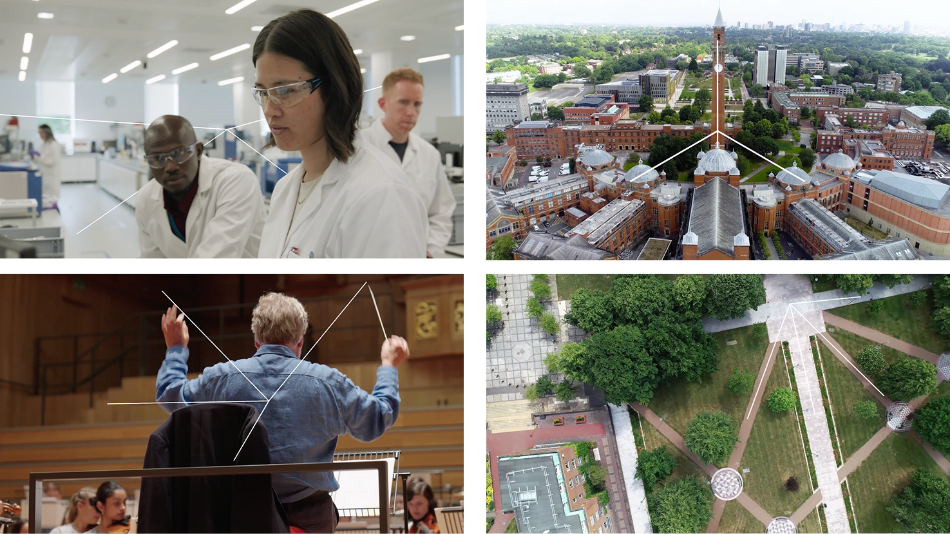
Composition
From a general composition point of view, the most important aspect is how positive and negative space is utilised. There is deliberate framing to allow placement of the device. This means the device can be in front of or behind people, sitting symmetrically to reflect the shape and design of a space, or how something moves within the frame (references in the ‘Lines of Intent’ section above).
Composition in interviews
We recommend using the rule-of-thirds for framing an interview as it is a universally accepted functional and aesthetically-pleasing method for achieving a professional interview setup. Try to place the interviewee on top left or right of the frame where the imaginary line of thirds interceed. Try to keep the camera at eye level and avoid exaggerated perspectives (high or low-angle framing). Subject can be positioned either to the left or the right of the screen.
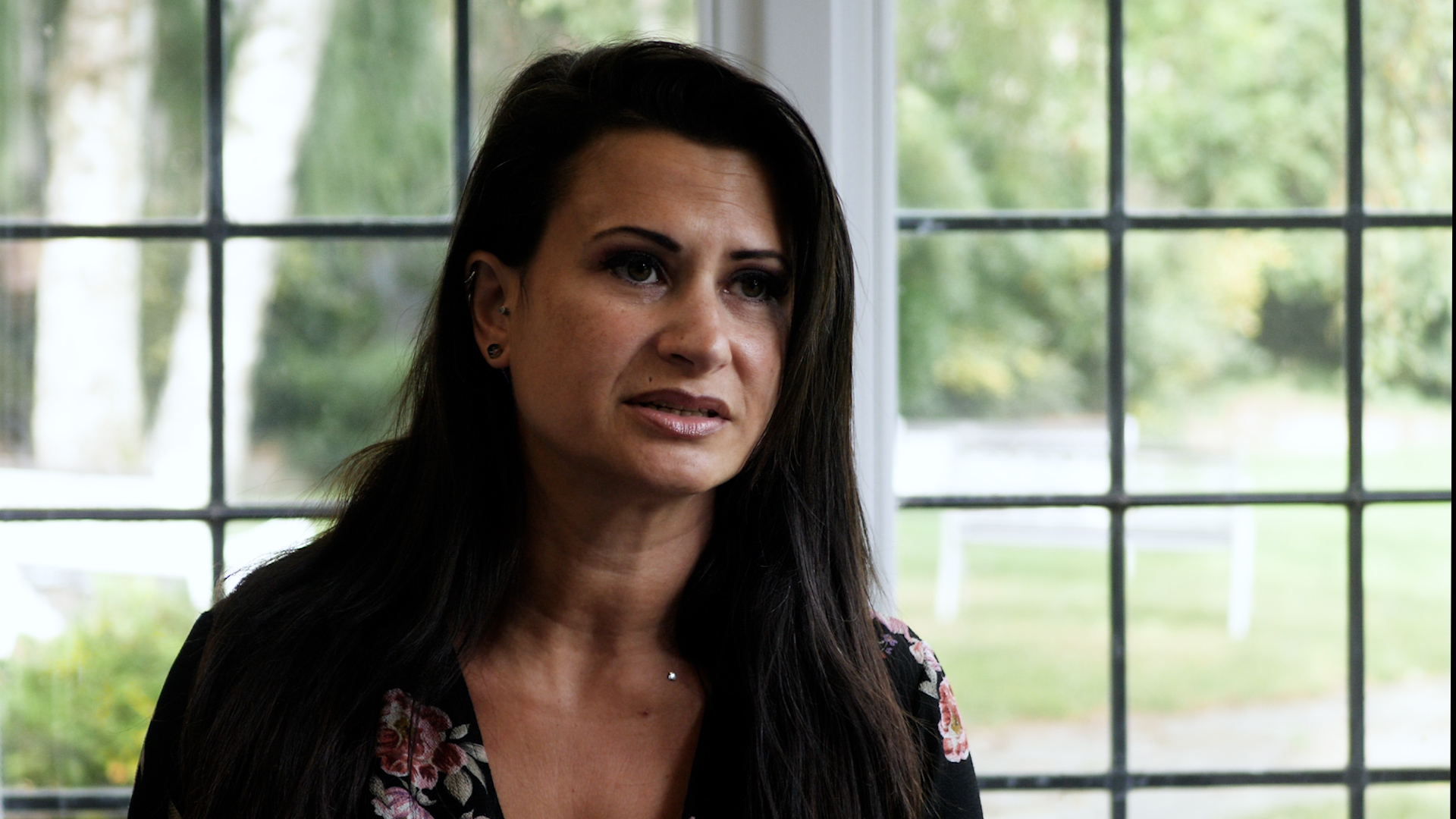
Interview Composition example 1
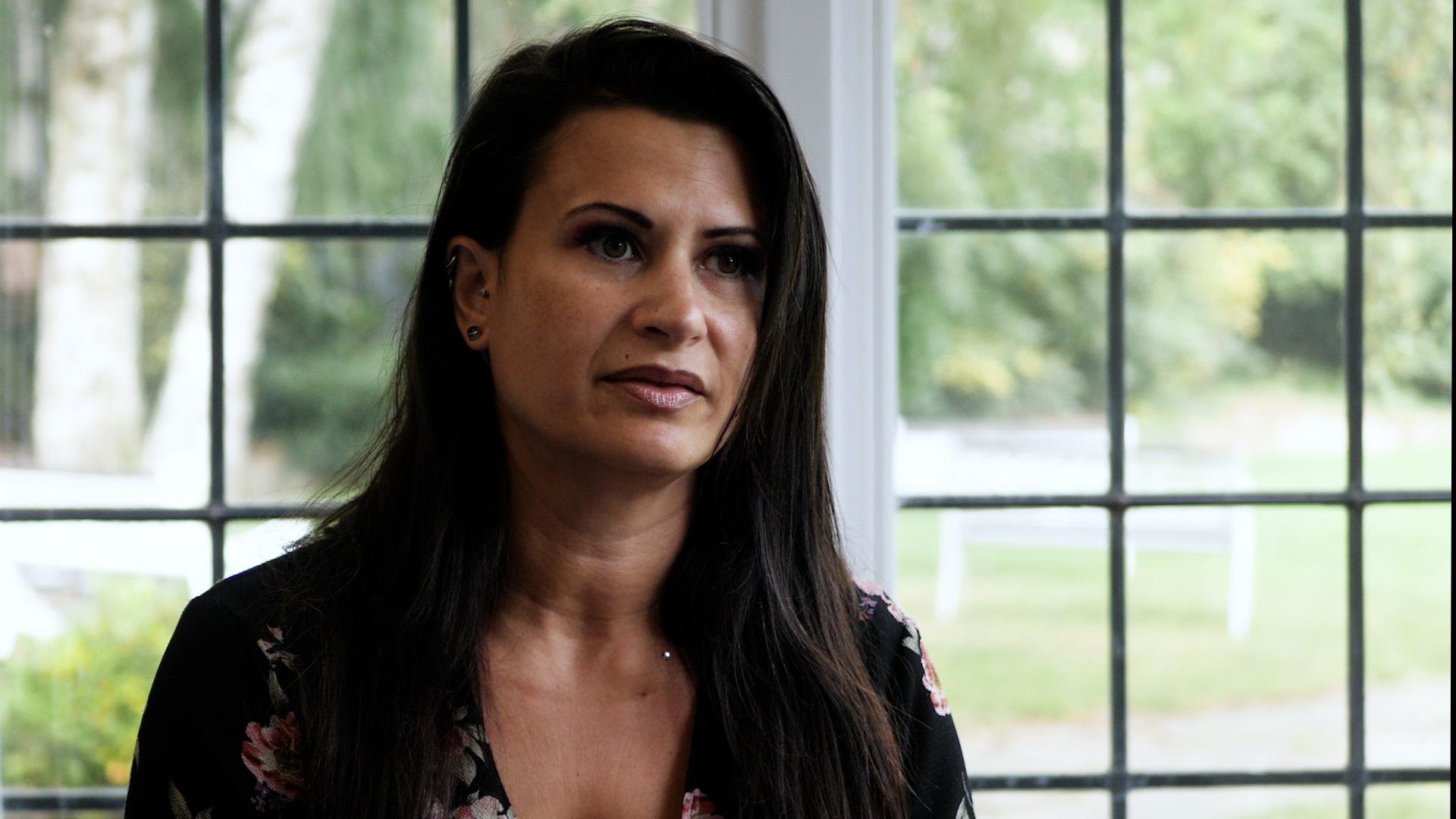
Interview Composition example 2
Camera movement
One of the key distinctions in Birmingham’s visual style is how shots have a sense of movement and flow. These intentional movements keep the video active and engaging. This sense of flow also allows greater expression of the Lines of Intent, as they move through more than a static space, they can move in 3D. Even small amounts of motion make for more engaging content.
Links to videos showing camera movement here:
Further videos showing the Lines of Intent in action are in the Visual Identity section in Animation.
Colour correction and grade
Largely dependent on the brief for tier one. As a general rule for tier two projects we should employ bold, accurate, colourful tones that feed into the personality of UoB.
See photography guidelines for more information.
Sound
Music choice errs on contemporary with classical characteristics to convey a modern university with a depth in heritage. There is flex here given the specific requirements and context of ad hoc briefs.
Capture guidelines (tier two)
The following guidelines have been created to inform how footage should be captured, with the intention of creating a consistent visual. These are foundational video elements that all filmmakers and content creators should be aware of and adhere to, ensuring the correct capture of video for all productions.
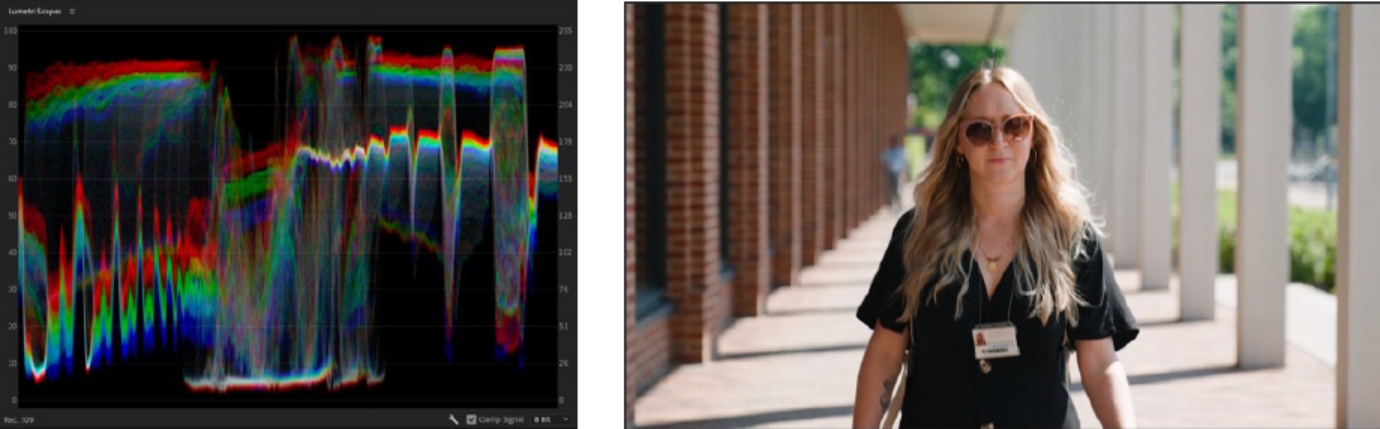
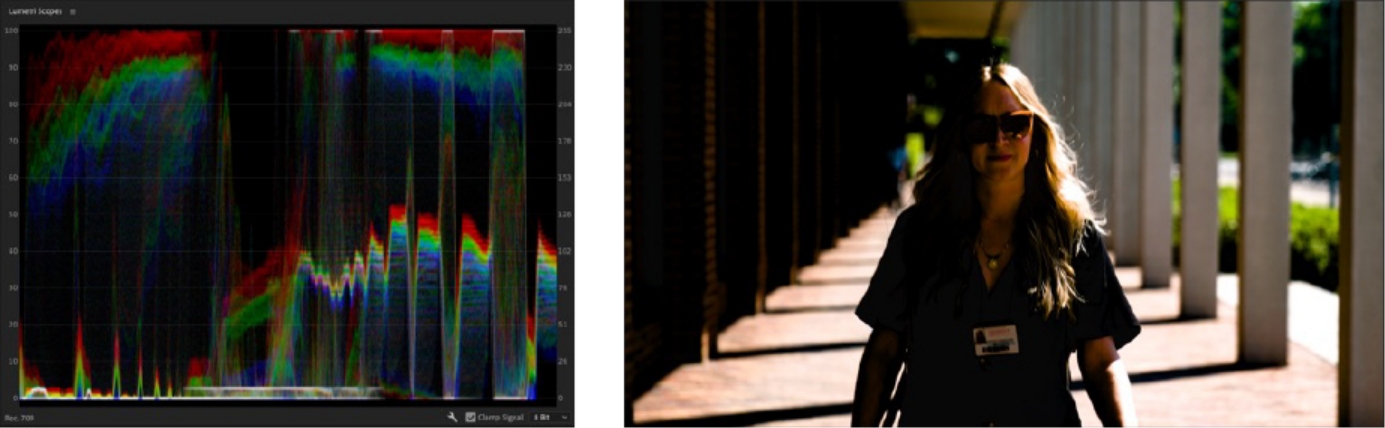
Dynamic range
The dynamic range of a video file refers to two key elements of your image; 1. The latitude of data captured in the video file and 2. The exposure range of your video image. Ideally, a well-exposed image will not clip the highlights or crush the shadows – allowing for a greater level of post-production control in the grading phase of a video project. Here are some references of a well-exposed shot vs a poorly-exposed shot. Using the waveform function in-camera can avoid any loss of image data/quality.
Resolution and aspect ratio
One of the key distinctions in Birmingham’s visual style is how shots have a sense of movement and flow. These intentional movements keep the video active and engaging. This sense of flow also allows greater expression of the Lines of Intent, as they move through more than a static space, they can move in 3D. Even small amounts of motion make for more engaging content.
Colour correction and grade
There are various options when it comes to video resolutions but it is widely accepted that shooting in 4k (or 3840×2160) is the modern standard. Any hosting platforms (Youtube, Vimeo, etc.) recompress the file to suit their specifications for optimising video, but uploading the highest quality possible on our end maintains a relatively high-quality video file.
Resolution should not be confused with aspect ratio; which refers to the shape of the video frame which is an important consideration for different platforms and deliverables. Here are some examples of various aspect ratios and how it informs resolution sizes:
Colour correction and grade
Resolution and aspect ratio table
| Aspect ratio | Resolution | Frame | Deliverable |
|---|---|---|---|
| 16:9 | 3840x2160 | Landscape | Used for landscape deliverables for TV and online hosting sites like Vimeo, YouTube and LinkedIn. |
| 1:1 | 2160x2160 | Square | Instagram posts |
| 9:16 | 2160x3840 | Portrait | Instagram stories etc. |
Motion graphics guidelines
The design brand guidelines go hand-in-hand with the motion guidelines. So, we must respect those when applying graphics in motion.
In this section we will cover:
- The introduction and tier system for animation
- The use of the Lines of Intent and their use
- The implementation of Intros & Outros
- The use of Lower Thirds and placement
Introduction
Much like with the video and overall agency guidelines, the animation guidelines will change as the brand evolves. As experimentation continues with animation, the more we can demonstrate the flexibility of the device and the animation collateral. The key purpose of the animated content is that it is purposeful and impactful.
Resolution and aspect ratio
One of the key distinctions in Birmingham’s visual style is how shots have a sense of movement and flow. These intentional movements keep the video active and engaging. This sense of flow also allows greater expression of the Lines of Intent, as they move through more than a static space, they can move in 3D. Even small amounts of motion make for more engaging content.
Tier system
The tier system, as established in the video guidelines explains the two ways we look at content that will be created. For the use of animation, the templates that treatments that are carried out will depend on the video’s tier system.
Open all
Tier one
+ -Hero-level video content – the guidelines for these animations are more flexible and can be bespoke to the campaign / purpose of the video’s objective. Tier 1 level of animation will feature the Lines of Intent and will have more flexibility and creativity. Due to the Lines of Intent being bespoke to each video and reactive to the clips that are used, they require more complex animation that delivers a level of consistency for the overall brand.
Tier two
+ -Day-to-day video content – the guidelines for these types of production are more rigid by necessity. In terms of animation, the content used will be the Intros, outros and use of lower thirds. With the aid of templates and tutorials, these assets can be repurposed for various videos without the need for advanced animation to be carried out.
Lines of intent (tier one)
The use of animation is centred around our animated device, the lines of intent.
This device can be animated in various ways, moving in either a 2D or 3D space with lines being as short or as long as required. Here are some examples of how the device can be used;
1. On top of footage
As named, the device must have purpose when used within footage. Whether it is demonstrating the Lines of Intent in architecture or in a more abstract way such as mimicking motion or camera movements. Examples shown below: (Video 1&2)
The device can also be put behind subjects to add complexity to a scene (using an animation technique called rotoscoping). This can avoid the device becoming cluttered or interfering with peoples’ faces (fig. 3).
2. Footage and graphics examples
One of the key distinctions in Birmingham’s visual style is how shots have a sense of movement and flow. These intentional movements keep the video active and engaging. This sense of flow also allows greater expression of the Lines of Intent, as they move through more than a static space, they can move in 3D. Even small amounts of motion make for more engaging content.
3. Text graphics
Text graphics can be used to pull out certain points and sections in addition to the use of lower thirds. (A template has been provided.)
Listed below are two examples of text animation that can be implemented into day to day content. One Method plays with the use of a scrolling method that plays with position and opacity.
The other is just using opacity to animate text.
Text example 1
Text example 2
As text graphics is implemented into Tier 1, there’s room to elevate text animation, becoming more bespoke. Seek approval from the University of Birmingham brand team (brand@contacts.bham.ac.uk) if bespoke transitions are going to be used.
Formatting video content
When using our assets, it’s important to use the right formats for each social media platform. Below is a guide of each format and their intended use for socials:
Video template types
The videos supplied as reuseable assets will either come as either an .AE file (Adobe After Effects) or as an .MOV file.
.AE File
These will be the animation files. It is required to have Adobe After Effects for them to be used. With these working files you can edit templates such as URLs on Endframes or Lower Thirds. For these assets a tutorial will accompany the asset so the execution of your social assets will be consistent across all daily use content.
.MOV File
This is a type of video file that is higher quality and contains an alpha channel (transparency). These videos will contain transitions with transparency; meaning the files can be added on top of a video timeline and should blend well with your video content.
For all templates and animated content, there will versions in the following formats 16.9,9.16 & 1.1*
Formatting video content table:
| Aspect Ratio | Export for social media |
|---|---|
| 16:9 Landscape | YouTube, LinkedIn, Facebook |
| 16:9 Portrait | Instagram (reels), TikTok |
| 1:1 Square | LinkedIn, Twitter, Instagram (feed) |
Intro and outro
Intro (tier two)
The usage of the intro will be on primarily tier 2 content, as the intro isn’t a necessity but can be a good way of starting content (if applicable). The intro will be supplied as an .MOV file and can be placed on top of video content.

Outro (tiers one and two)
The usage of the intro will be on primarily tier 2 content, as the intro isn’t a necessity but can be a good way of starting content (if applicable). For all video content, an outro is a requirement. There are two outros, one for daily use content and the other for our hero video style content.
Tier one outro
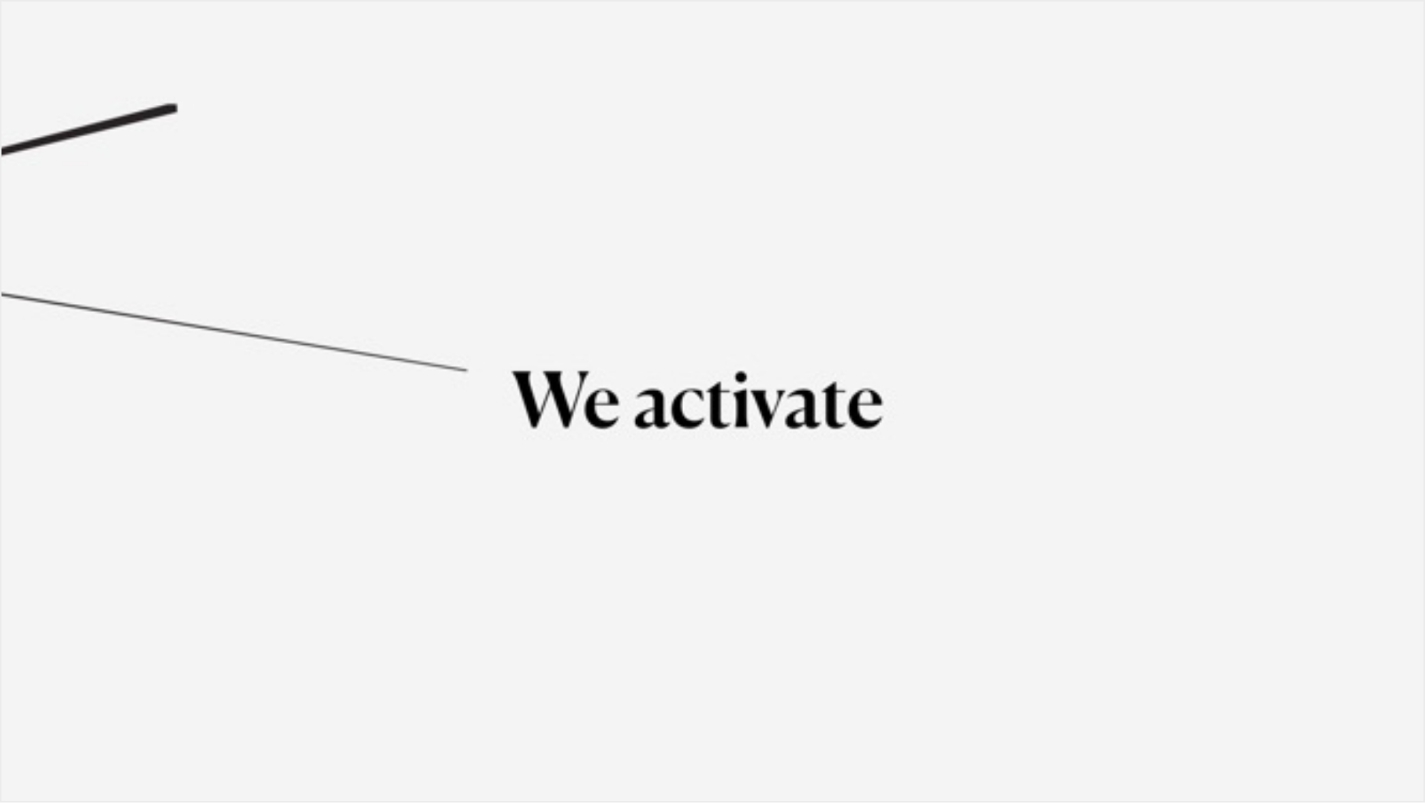
This will be dedicated to our hero videos where impactful and more flexible content is created. As this content will have an internal and external audience, the outro will not have an editable CTA or URL. This video will be supplied as an .MOV file.
Tier two outro
This will be dedicated to daily use videos, where a less cinematic outro is needed which will include a URL and CTA. The outro will be provided as an AE. File so that the URL and CTA can be customised.

A link to the tutorials on each video is available, this will advise on how the animation files work as well as how to export the final video as an .MOV file
Lower thirds (tiers one and two)
For any piece to camera content, especially when interviewing members of staff and professionals, lower thirds are essential. The lower thirds will cover both tiers and for consistency will remain the same in design. There will be a static version of the lower thirds available as well as options that accommodate different name and title lengths. For this, the deliverables will be an .AE file.

Call-to-action
Call-to-actions and URLs should use the Manrope typeface, and Arial should be used for captions and subtitles. Visit our guidance on typography for more information on this.
Credits
There should be no creator/film-maker credits at the end of any video.